Special Character Picker
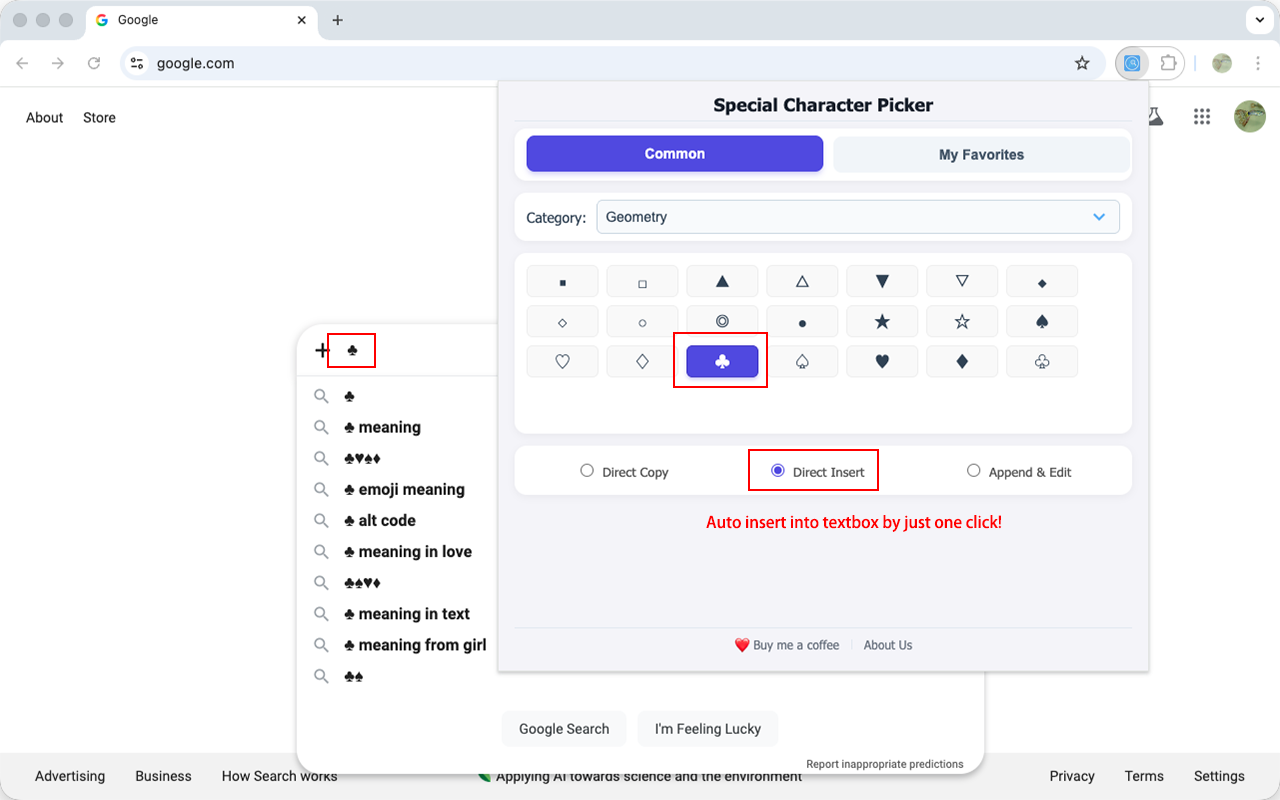
Stop breaking your creative flow to search for symbols! Special Character Picker is a lightweight productivity tool designed to keep your hands "close to your heart." Whether you are writing code, academic papers, or social media posts, get the exact character you need in a split second.
Designed for writers, developers, and students who value a seamless "deep work" experience.
📚 SUPPORTED CATEGORIES
● Classic: Essential control symbols, copyright marks, and basic math operators.
👉 Best for: Everyone, especially technical writers needing Copyright (©) or Registered (®) marks.
● Emoji: A rich set of pictographs covering expressions, gestures, animals, and food.
👉 Best for: Social media enthusiasts and casual communicators.
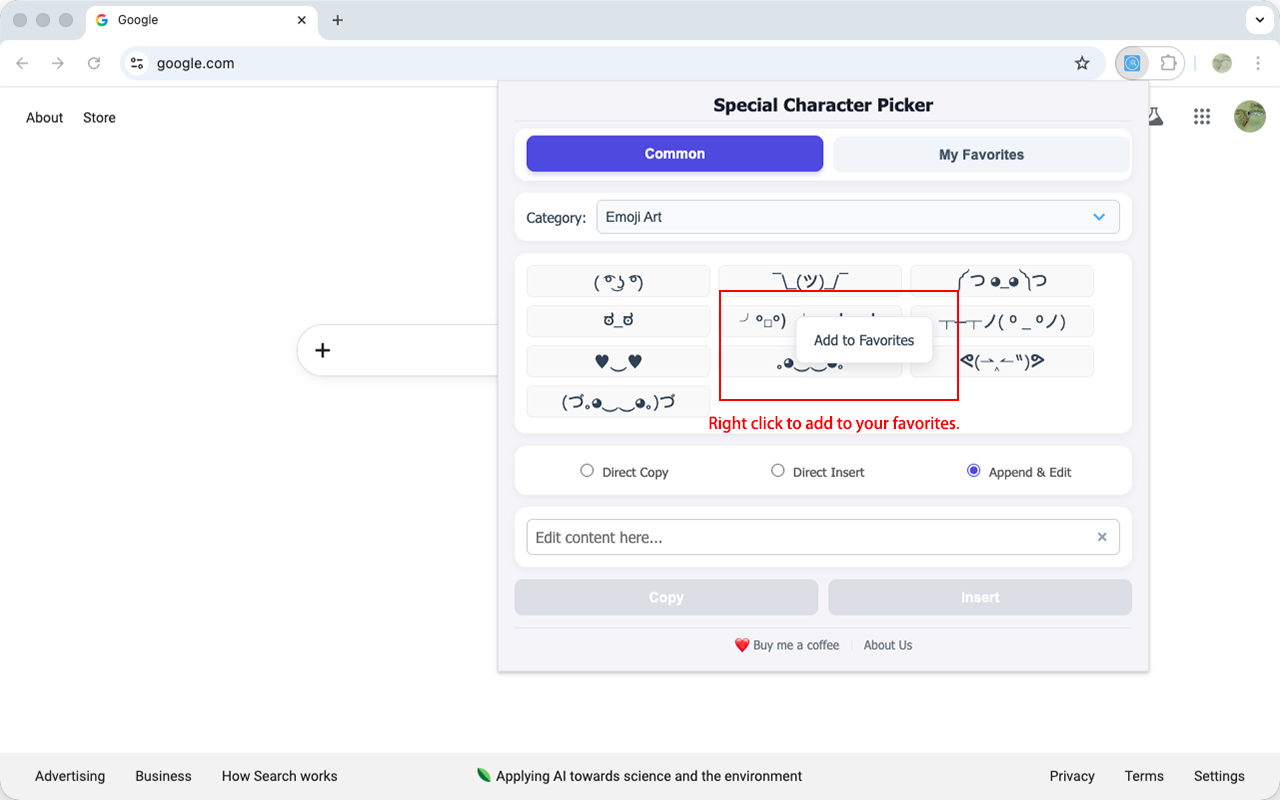
● Kaomoji: Classic Japanese-style text emoticons for unique text-based expression.
👉 Best for: Anime fans, forum users, and creative bloggers.
● Punctuation: Various forms of quotation marks, dashes, and special hyphens.
👉 Best for: Professional typographers and copywriters seeking precision.
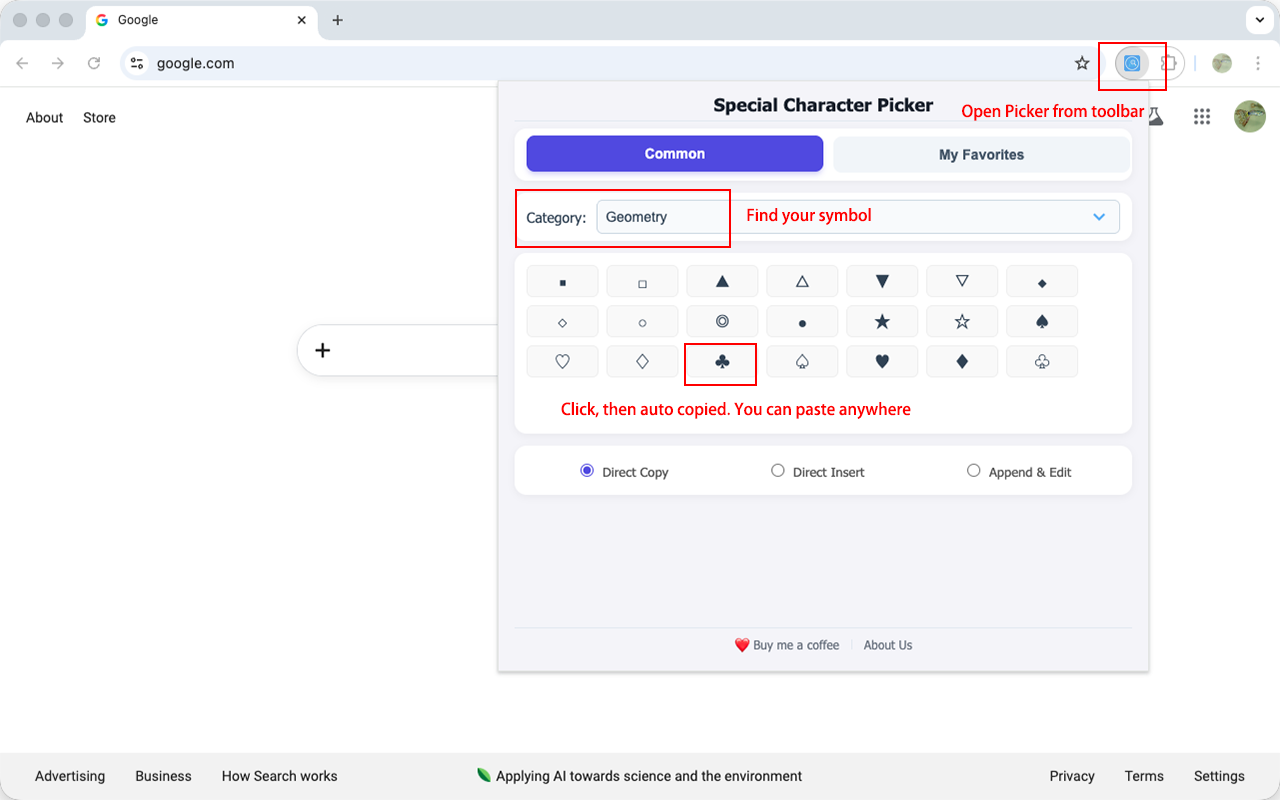
● Shapes: Basic geometric figures like squares, triangles, and circles.
👉 Best for: UI designers and PPT creators for layout and visualization.
● Lines: A complete set of box-drawing characters, including single and double lines.
👉 Best for: Developers and sysadmins drawing tables or diagrams in plain text/code.
● Arrows: A comprehensive collection of directional and specialized arrows.
👉 Best for: Flowchart creators and technical document authors.
● Stars: Decorative star, heart, and border symbols.
👉 Best for: Note-takers and creators looking to highlight or decorate content.
● Games & Leisure: Poker, mahjong, chess, and dice symbols.
👉 Best for: Gamers, card game content creators, and those needing game-related graphics.
● Office Tech: Keyboard shortcut symbols, office supplies, and technical icons.
👉 Best for: Tech writers and tutorial creators to clearly show commands.
● Office/Units: Eras, office symbols, directions, time, date, months, and specialized units.
👉 Best for: Administrators, Japanese document editors, and anyone needing compact office notations.
● Currency: Symbols for major and minor global currencies.
👉 Best for: Finance professionals, international traders, and e-commerce operators.
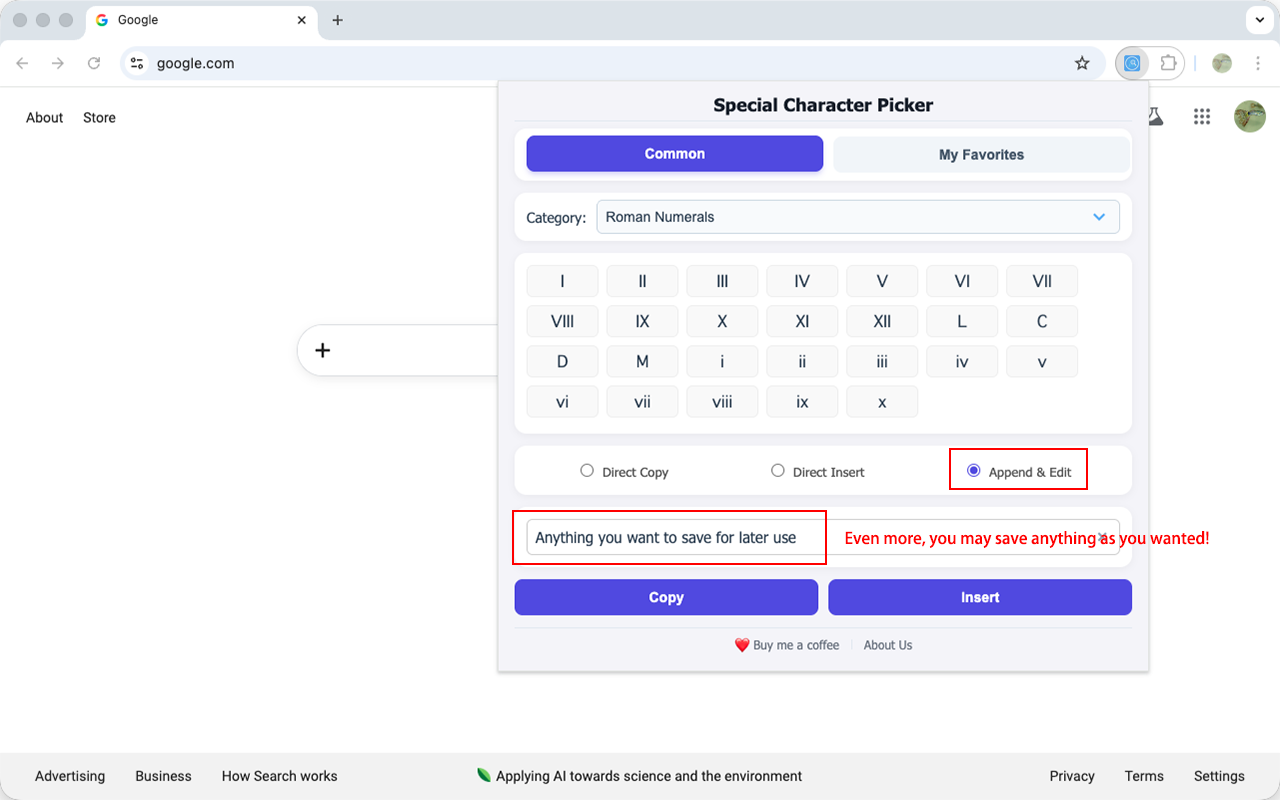
● Numeric: Circled numbers, Roman numerals, fractions, and sub/superscripts.
👉 Best for: Academic authors and textbook editors for lists and formulas.
● Math: An extensive collection of algebraic, geometric, and logical operators.
👉 Best for: Scientists, students, and math teachers for complex formula creation.
● Units: Standard symbols for temperature, length, area, weight, and electronic storage.
👉 Best for: Engineers and laboratory workers for standardized technical writing.
● greekRoman: Greek letters, logical derivation marks, and other academic symbols.
👉 Best for: Scholars in philosophy, physics, and engineering.
● Accents: Latin letters with diacritics and accents.
👉 Best for: Language learners and translators needing precise input for French, German, Spanish, etc.
● Phonetic: Standard International Phonetic Alphabet (IPA) symbols.
👉 Best for: Linguists, English teachers, and students learning pronunciation.
● Hieroglyphs: Pictographs and various ancient or modern non-Latin phonetic scripts.
👉 Best for: Language researchers, artists, and designers seeking an exotic or historical touch in their typography.
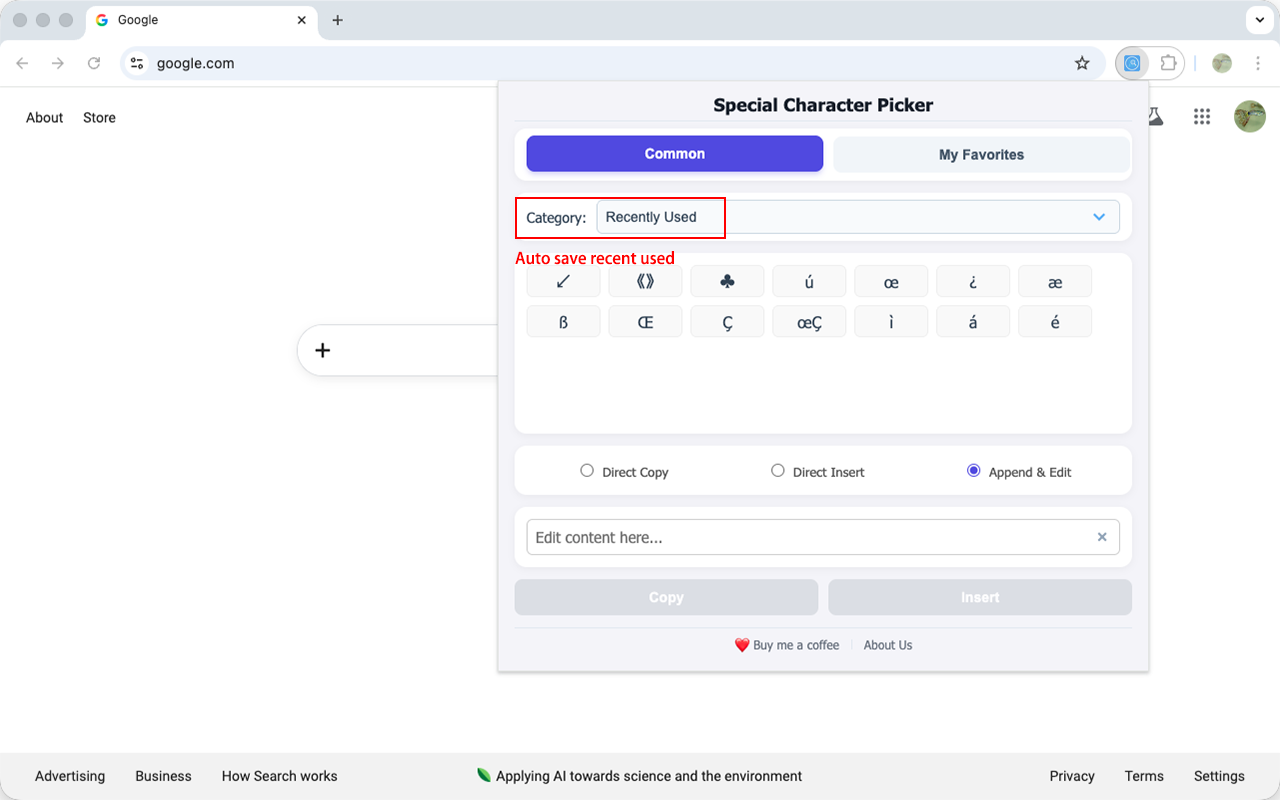
● Recent: Dynamically records your most recently clicked characters.
👉 Best for: Everyone—automatically speeds up access to your personal favorites.